

OMR Test Evaluation
Use OptiMark for supported OMR-based tests, configured answer keys and student-wise result preparation.
The Modern Teaching Challenge
Teachers today juggle assessment, attendance, classroom management and individual student needs, often with limited time and too many tools. MeritSky brings together practical options to help educators stay organised and support each learner.
Tools That Empower You
A set of practical tools designed to reduce routine work and support better learning experiences.
Use OptiMark for supported OMR-based tests, configured answer keys and student-wise result preparation.
Keep class or batch attendance organised digitally, making it easier to review missing or irregular entries.
Direct students towards chapter-focused question practice and mock tests for regular revision.
Review subject-wise assessment outcomes to understand where learners may need additional classroom support.
Spend less time sorting separate registers and manually tallying routine assessment records.
Keep relevant student, attendance and assessment information easier to find during daily teaching activities.
Save Time. See Progress.
MeritSky supports routine examination evaluation and attendance workflows so educators can dedicate more attention to student progress and classroom learning.
Explore Products →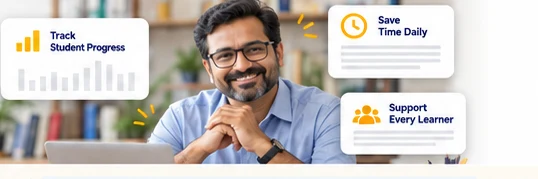
Frequently Asked Questions
MeritSky focuses on routine activities that frequently consume teachers’ time. OptiMark can help process OMR assessments and prepare results, while an attendance system can support organised class records. The time saved will depend on the institution’s current process, sheet formats and selected tools.
OptiMark is suited to tests using supported OMR answer sheets and configured answer keys, such as objective classroom and coaching assessments. It is important to check question formats, sheet layouts and marking rules before using it for an examination. Descriptive handwritten answers are a different evaluation problem.
The Attendance Management System is planned with organised class and batch records in mind. That can help a teacher or administrator avoid maintaining unrelated registers and review attendance by relevant group. How multiple sections, staff permissions or branches are handled will depend on the configured implementation.
The goal is to keep typical workflows approachable for teachers who use standard school computers and phones. However, initial setup, user access, exam templates and institutional data configuration may involve some guidance. Discuss available onboarding and any technical prerequisites for the specific tool.
Visit Contact Us, select the appropriate enquiry subject and mention the product and teaching workflow you want to review. For example, explain whether you want to process a class test with OMR sheets or manage attendance across sections. The team can confirm whether a suitable demo is available.